Creating PositionableSet
PositionableSet is a godot resource to centralize positionable (both tiles and maps) used by a map. It is used by
maps when initializing, to find which tile to add as child. The positionables you can add to a map while editing depends
on the PositionableSet used by the map.
To create a positionable set, right click on folder and create a new resource of type PositionableSet. You can then
edit it byt clicking Edit Positionable Set at the bottom of editor:

You can add categories, which are logical folders to organize your positionables. You can also remove an entire category.
Be aware that removing a category will also remove the tiles in it from PositionableSet.

You can then add/remove tiles from the selected category:
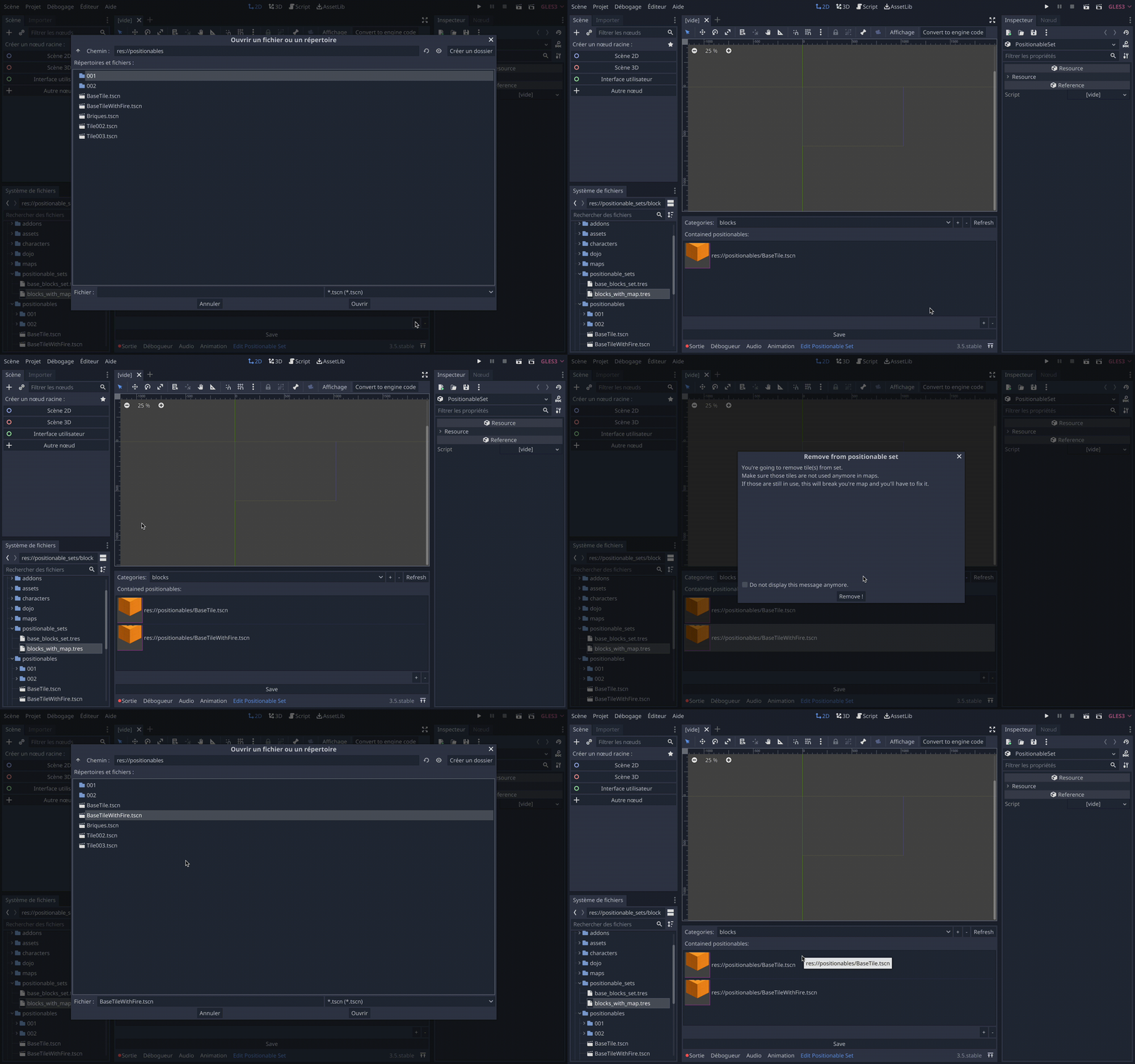
You can also add maps, as they are IsometricPositionable:

Don't forget to save the PositionableSet when done with editing.
